
An artist’s idea in a session called for running multiple effects across different aux sends, then summing them all into one master aux. All of that routing and processing belonged in one plugin. The idea for the FX Console was born.
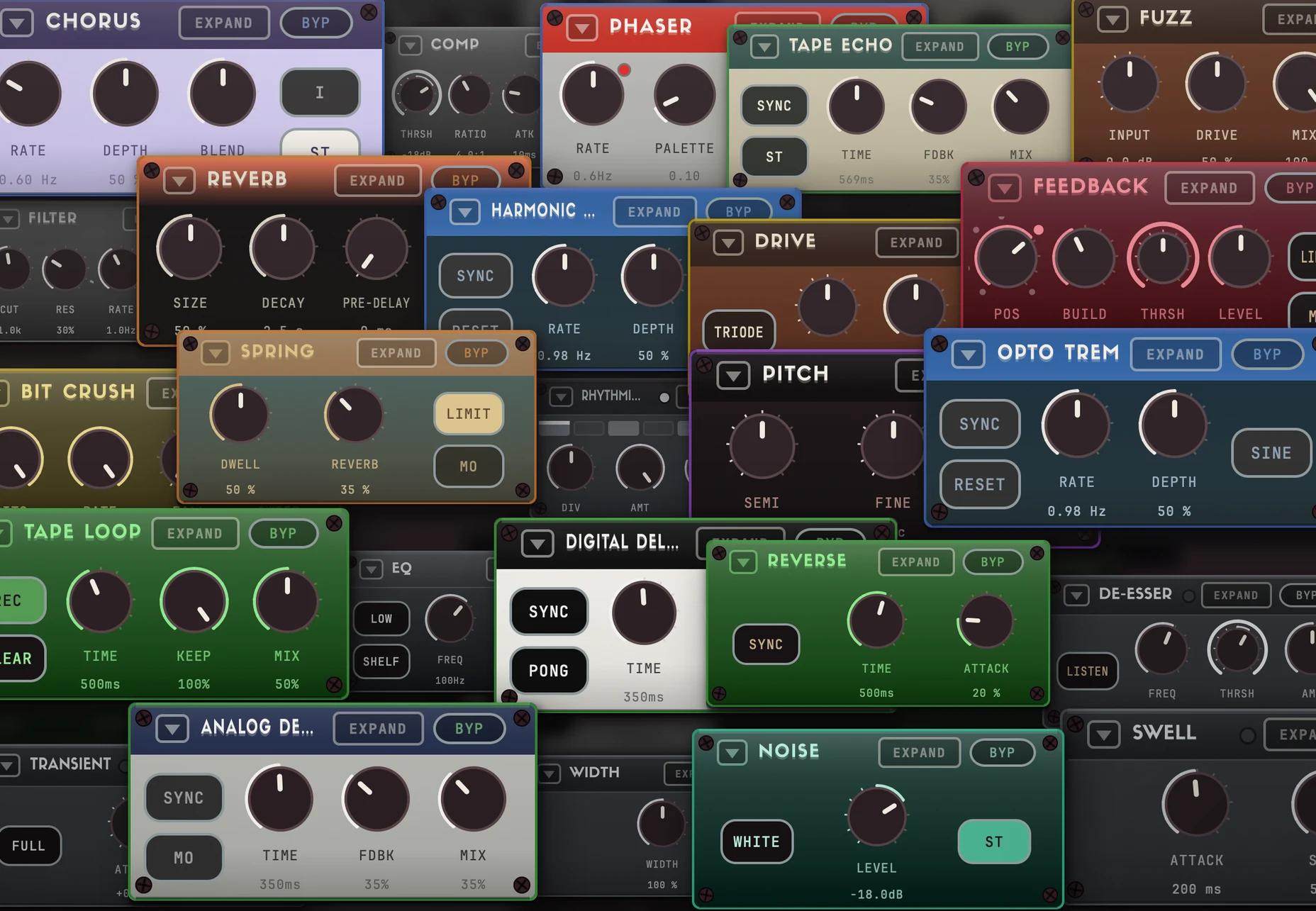
The effects in the FX Console needed to be equal in quality to standalone effects. So each Boutique Series effect was split into modules that can be used in the FX Console. Same sound. Different purpose.
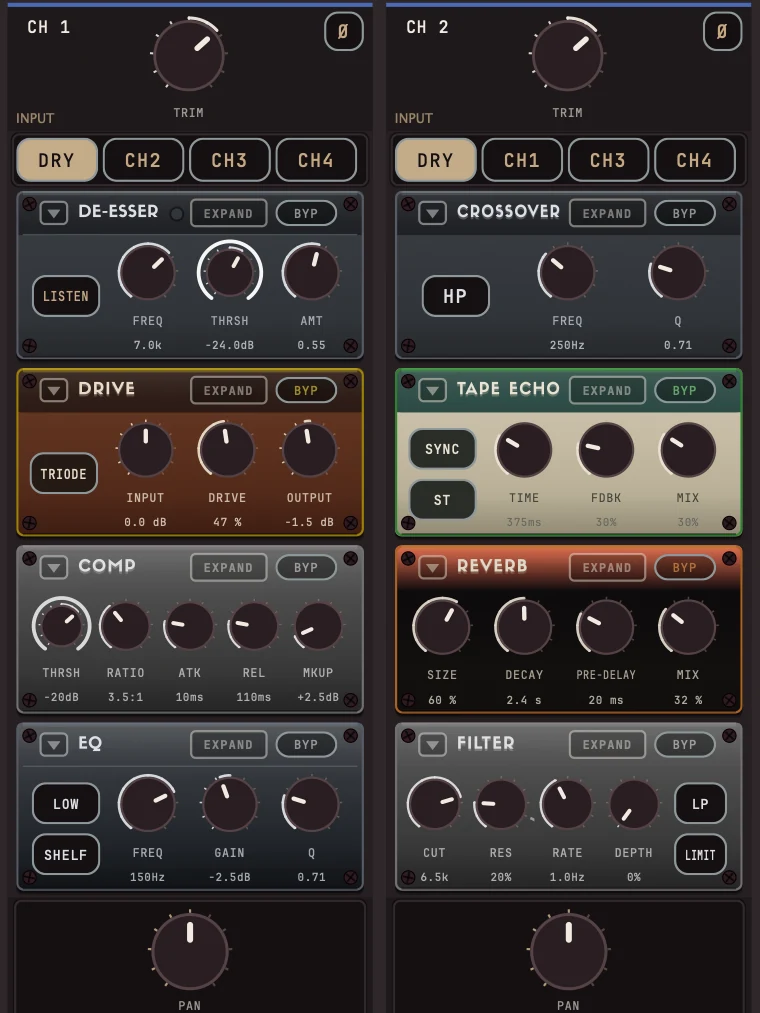
With the modules available in the FX Console, complex effects chains are easy to create. A vocal saturation chain right next to a reverb and delay, each one EQ-ed and filtered to fit perfectly in the mix. A shimmer reverb that attenuates with every regeneration so the octaves never jump out. A vocal throw with four channels, each channel with a different style of echo for every section of the song. Best of all, open a session days later and see exactly how the audio was routed and processed in one glance.
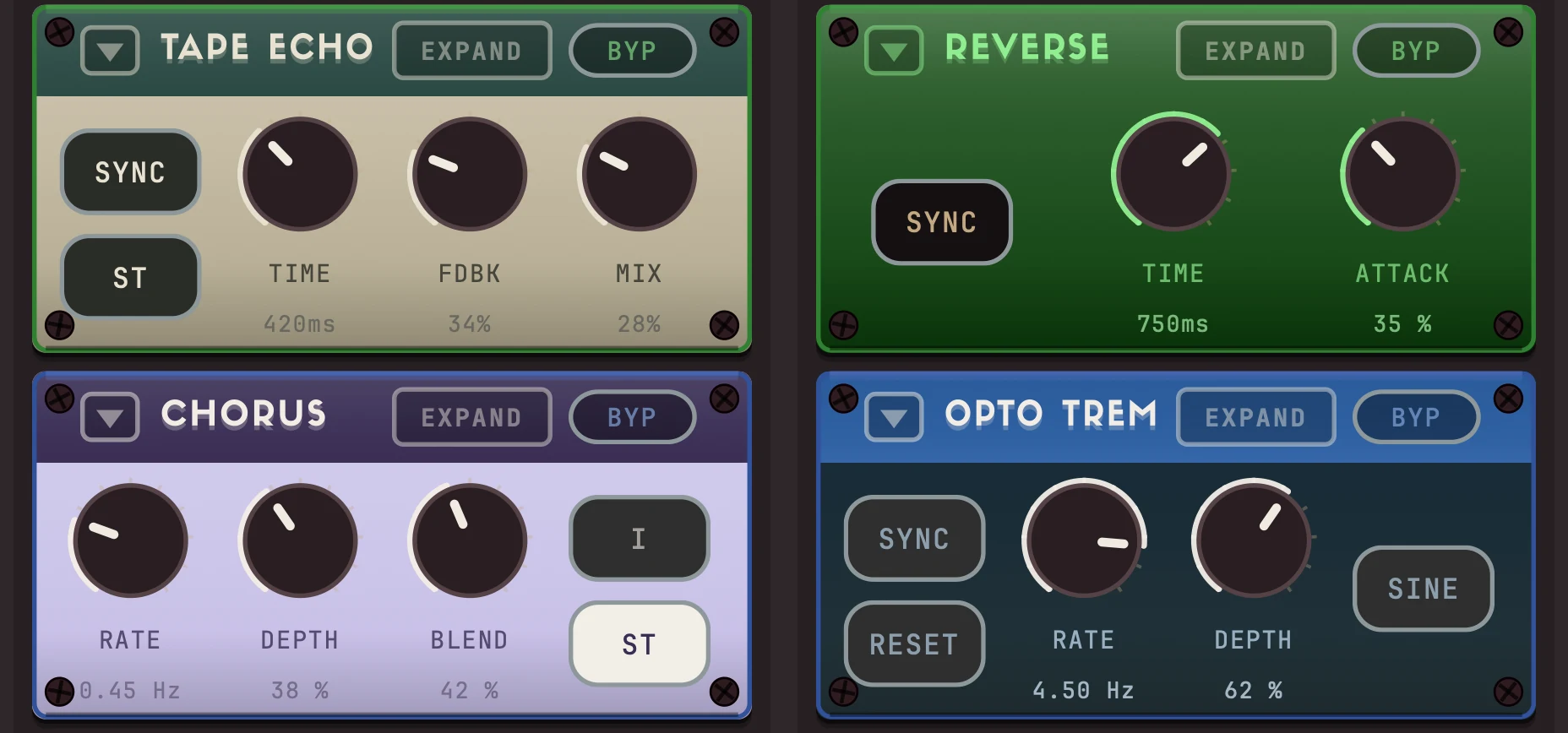
Automatically morph between effects on two channels so nothing gets stagnant. Use the Rhythmic Gate modules to trigger effects in time. Switch to Beat Mode in the FX Console and turn each Module Slot into a sixteen step FX sequencer, with the modules triggering in perfect time with the music. The FX Console is designed to make it easy to put your effects in motion.


The Modules
Modules from the Boutique Series, plus modules built for the FX Console.
Showing the modules Show all 31 modules
NOISE
White or pink noise generator.
Built for the FX Console
ANALOG DELAY
Bucket-brigade delay modeled from a classic stompbox.
From Euphonic Delay
TAPE ECHO
Four-Head Tape Echo modeled from a real tape echo.
From Euphonic Tape Echo
TAPE LOOP
Sound-on-sound mode from Tape Echo.
From Euphonic Tape Echo
DIGITAL DELAY
Multi-tap digital delay.
CHORUS
BBD Chorus/Vibrato with three different analog circuits.
From Euphonic Chorus
PHASER
Four-stage phaser modeled from a classic analog stompbox.
From Euphonic Phaser
OPTICAL TREMOLO
Optical tremolo with three different circuits modeled from boutique pedals and vintage/modern amps.
From Euphonic Tremolo
HARMONIC TREMOLO
Harmonic tremolo modeled from analog gear with a modern twist.
From Euphonic Tremolo
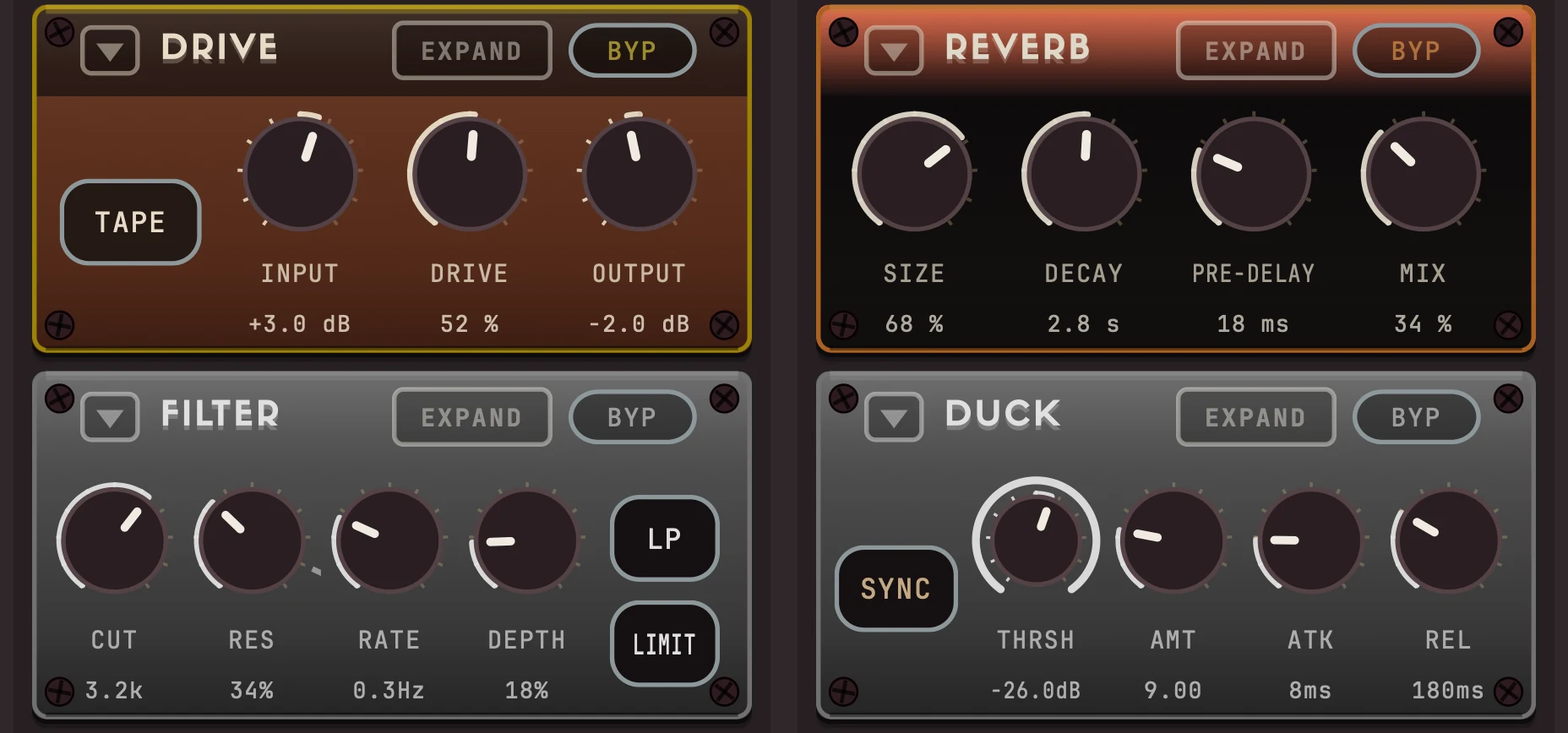
DRIVE
Tube and tape saturation circuits from Euphonic Drive.
From Euphonic Drive
FUZZ
The fuzz circuit from Euphonic Drive, with a dry blend that stays phase-aligned.
From Euphonic Drive
WAVEFOLDER
Foldback distortion that folds the wave back on itself, TRI or SINE, with BIAS to add even harmonics and MATCH to keep output level matched.
Built for the FX Console
BIT CRUSH
Bit/rate crusher with a modern twist.
REVERB
Versatile reverb with different decay time for each frequency band.
From Euphonic Reverb
SPRING
Classic spring tanks modeled from an analog tape echo and vintage and modern amps.
From Euphonic Spring
FILTER
Resonant filter with LFO and drive.
Built for the FX Console
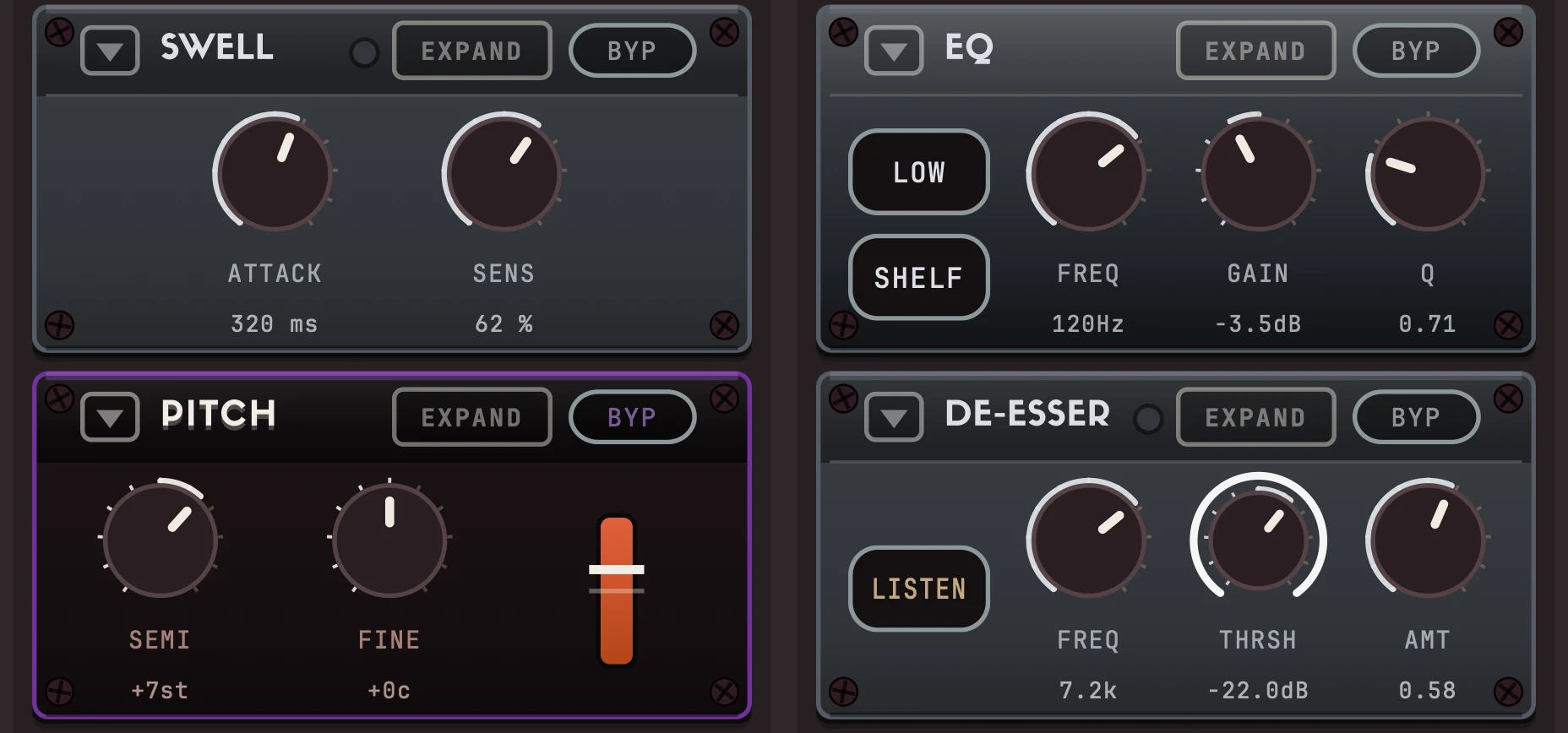
EQ
Four-band EQ with shelf/bell/cut per band.
Built for the FX Console
CROSSOVER
Single band crossover control with high-pass, low-pass, or bell shapes.
Built for the FX Console
SOFTEN
Automatic resonance softener.
From Euphonic Reverb
COMP
Threshold/ratio compressor with attack, release and makeup.
Built for the FX Console
DUCK
Classic ducker with side-chain input.
Built for the FX Console
GATE
Classic gate with threshold control.
Built for the FX Console
RHYTHMIC GATE
Eight-step rhythm gate, tempo-synced.
Built for the FX Console
DE-ESSER
Split-band sibilance tamer.
Built for the FX Console
TRANSIENT
Attack/sustain shaper, full-band or HF-detected.
Built for the FX Console
PITCH
Classic dual-voice pitch shifter.
Shared by Euphonic Pitch Shifter, Euphonic Digital Delay and Euphonic Reverb
PRE-DELAY
Control exactly when an effects chain triggers. Includes high and low pass filters.
Built for the FX Console
REVERSE
Plays the most recent stretch of audio backwards.
Built for the FX Console
WIDTH
Widen or shrink the stereo field.
Built for the FX Console
SWELL
Automatic volume swell.
From Euphonic Tape Echo
FEEDBACK
Self-tuning feedback generator.
Built for the FX Console
Available soon.
Notify me at launch
